
// Solution
Construction 3D Record
We capture a build at the moments it is about to disappear from view — the foundation before backfill, the structure and services before close-in, the finished building at handover — and hand back a dated 3D record anyone on the project can open, with the survey data behind it.
Three moments worth recording
-
01 · Before backfill
The foundation
Walls, footings, waterproofing, drainage, sleeves and the shoring that held the dig open — recorded in the days before the excavation is filled.
On a real site: Forest Hill South
-
02 · Before close-in
The structure and services
Framing, openings, beams and the plumbing, ducts and wiring in the walls and floors — captured while they are still exposed, before insulation and drywall go on.
On a real site: Bridle Path
-
03 · At handover
The building as built
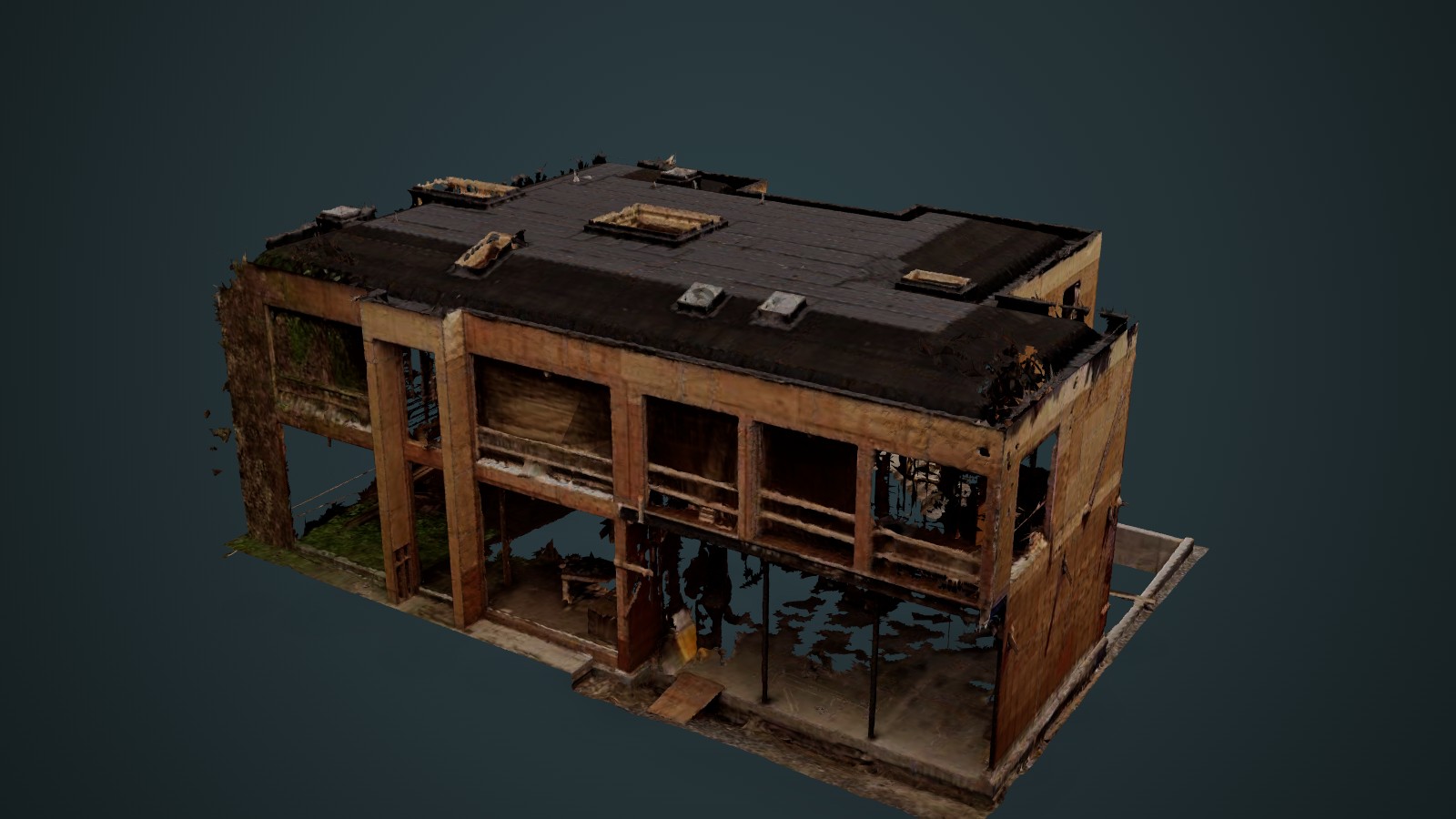
The finished shell and interiors as they were actually built, with a 3D model the owner, the designers and the facilities team can work from for years.
Book it on its own, or as the last of a series.
See it on real sites
Who it’s for
Builders, general contractors and developers on custom homes, infill and small buildings — and the owners, architects, engineers and facilities teams who will need to know what is inside the walls and below grade later.
Most of a building is visible only for a few weeks at a time. Footings disappear under backfill; framing, pipes, ducts and wiring disappear behind insulation and drywall. Ontario’s building code already asks for inspection notices at several of these points — before backfill, and before framing and services are covered — so the windows are natural ones to book. After they close, every question about a drain run, a sleeve, a beam or a service route goes back to the drawings — or to a saw and an excavator.
We book a capture for each window you want recorded. What you get back is not a folder of site photos but the whole site or building in 3D, dated, in a viewer that opens on a phone, with the items that matter pinned and labelled. Visits to the same site line up in one viewer, so two dates can be compared.
The record keeps paying after the job. It is the reference for a renovation, an addition or a new service connection years later; a dated baseline if a defect, a neighbour complaint or an insurance claim ever turns on what was built; and part of the building file when the property changes hands.
Scope and what you get
Construction 3D Record
Fixed scope, fixed price per visit. Book one stage — before backfill, before close-in or at handover — or a series on the same site, quoted on the same terms.
- Scale
- One building — a house, an addition or a small building
- Timeline
- Each visit booked into the days before that stage is covered; delivery date confirmed when you book
- Pricing
- Fixed quote per visit after a scoping call
- You provide
- Site access at each stage, and the drawings or design model if you want them compared
Deliverables
- Private 3D viewer link: textured model, point cloud and 3D model, side by side on one camera
- Numbered notes pinned to the items that matter — drains, sleeves, beams, service runs
- Registered point cloud (E57) — the measurement record
- 3D model of what was captured — foundation, structure or building — in IFC or your own format on request
- Dated record sheet (PDF) with plan, elevation and close-up views
- Later visits added to the same viewer, so two dates can be compared
- Optional: scan compared against the design model, for your engineer to review
- Data archived for an agreed term, so the record outlives the project folder
Method
Two captures, because neither sees everything on its own. A terrestrial laser scanner, set up at stations around and inside the excavation or building, supplies the geometry. A drone flown straight down and at an angle supplies the colour, and the views — into a pit, onto a roof — that a tripod at grade cannot reach.
The two are fused into a single georeferenced model and a registered point cloud. From those we build the 3D model and a web version of all three, sized to open on an ordinary laptop or phone. Anything worth finding again — a sleeve, a drain outlet, a beam, a service run — gets a numbered note in the viewer.
The browser view is for seeing and sharing. Dimensions come from the registered point cloud, and where a check has to be binding, the call stays with your engineer or surveyor — we give them the data to make it.
See the result on real sites in Foundation Scan-to-BIM — Forest Hill South and As-Built 3D Survey — Bridle Path. The capture runs on our 3D Mapping & Reality Capture service and the model on BIM & Digital Twins.
Tell us what stage you are at.
Send the site, the next stage you want recorded and roughly when it closes — backfill, close-in or handover — and the drawings if you have them. We will come back with a capture date and a price.